 0
0
 0
0
Free Online T-Shirt Design Tool | Create Custom Shirts Easily (No Minimums)
FREE Online T-Shirt Design Tool (2026 Guide)
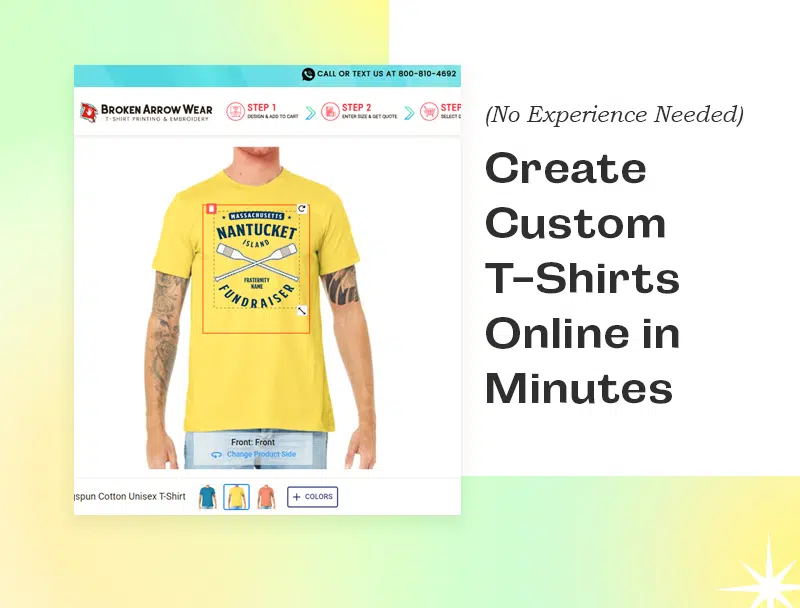
Create Custom Shirts Online in Minutes (No Experience Needed)
Looking for an easy way to design custom t-shirts online?
The Broken Arrow Wear Design Tool lets you create professional-quality shirts in minutes—no design experience required. You can upload your own logo, add text, or choose from thousands of beautiful, ready-made graphics—all with real-time previews.
Start designing now:https://www.brokenarrowwear.com/tshirtprinting/designshirtsonline.html
What Is a T-Shirt Design Tool?
A t-shirt design tool is an online platform that allows users to create custom apparel by adding text, images, and graphics to products like shirts, hoodies, and hats. Most tools include drag-and-drop editors, templates, and instant previews so users can see their design before ordering.
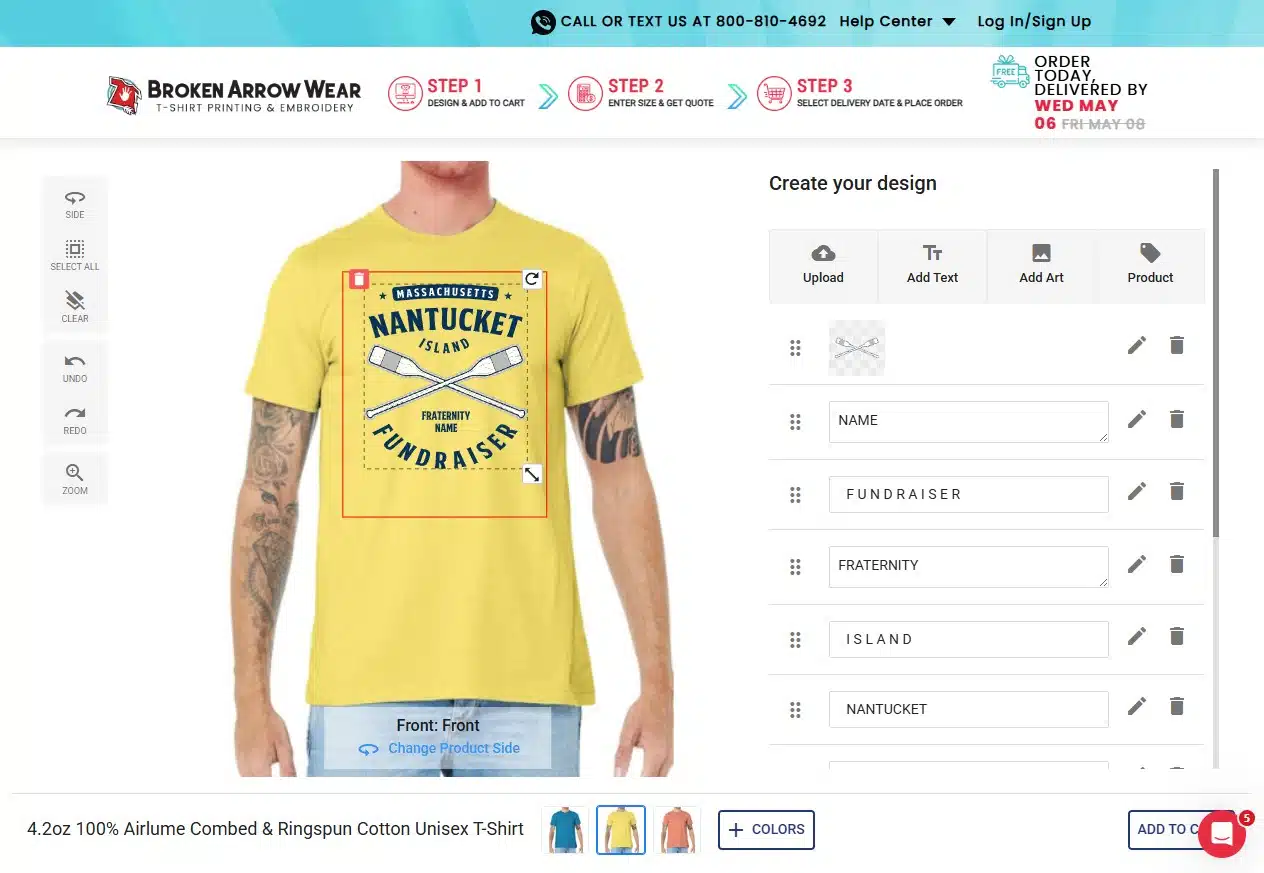
Why Use Broken Arrow Wear’s Design Tool?
Unlike generic design platforms, this tool is built specifically for custom apparel printing—which makes a big difference in your final product.
Top benefits:
- Free to use (no hidden fees)
- No minimum order requirements
- Built for apparel printing (not generic graphics)
- Instant pricing and previews
- Huge library of fonts and clipart
- Upload your own logo or artwork
Explore all apparel options: https://www.brokenarrowwear.com/
How to Design a Custom T-Shirt Online
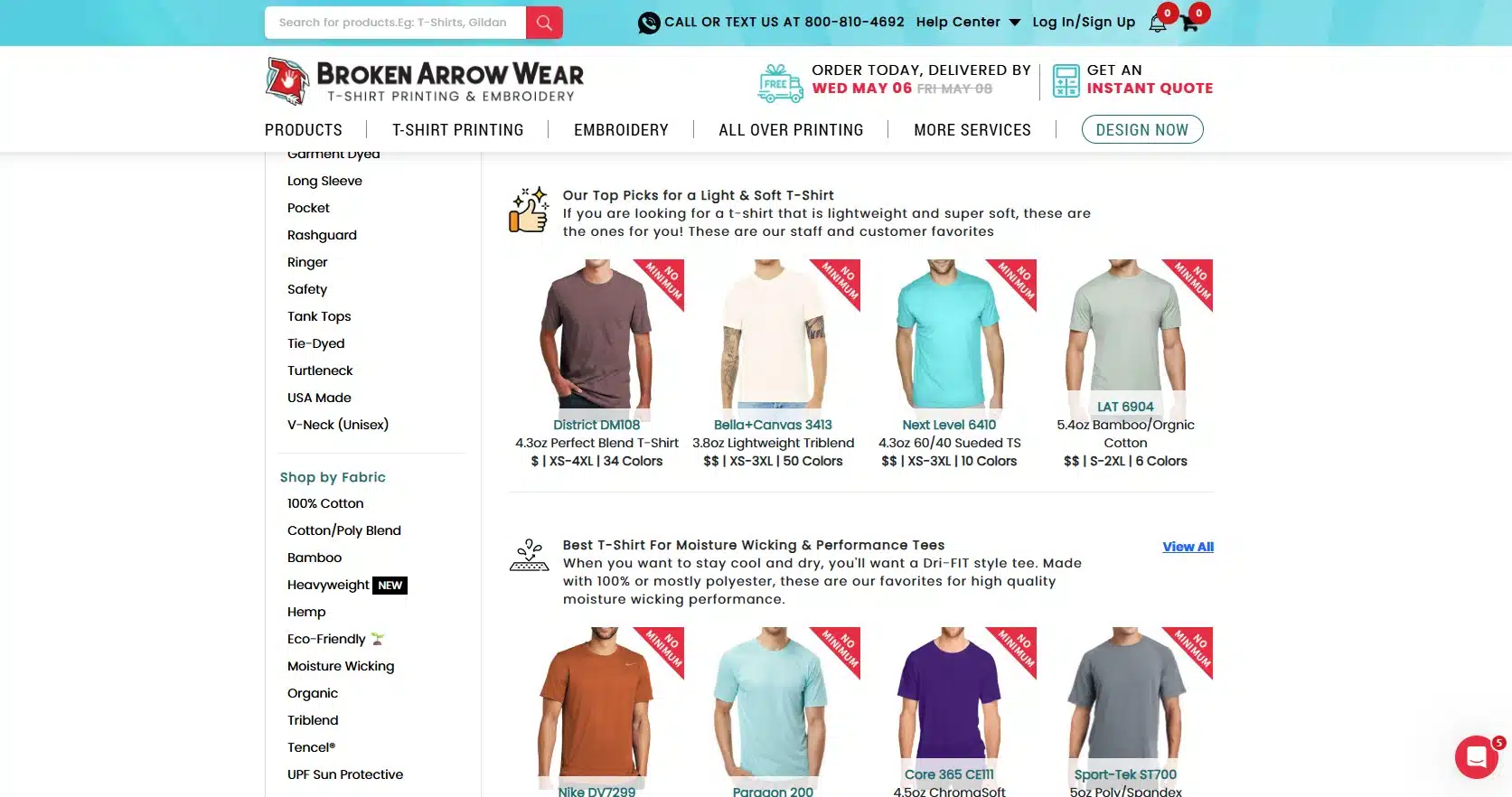
1. Choose Your Apparel
Browse t-shirts, hoodies, polos, and more. Pick your style, brand, and color.
Tip: Lighter designs work best on dark shirts and vice versa.
2. Create Your Design
Use the design tool to:
- Add custom text
- Upload your logo
- Browse clipart
- Use ready-made templates
Start designing here: https://www.brokenarrowwear.com/tshirtprinting/designshirtsonline.html
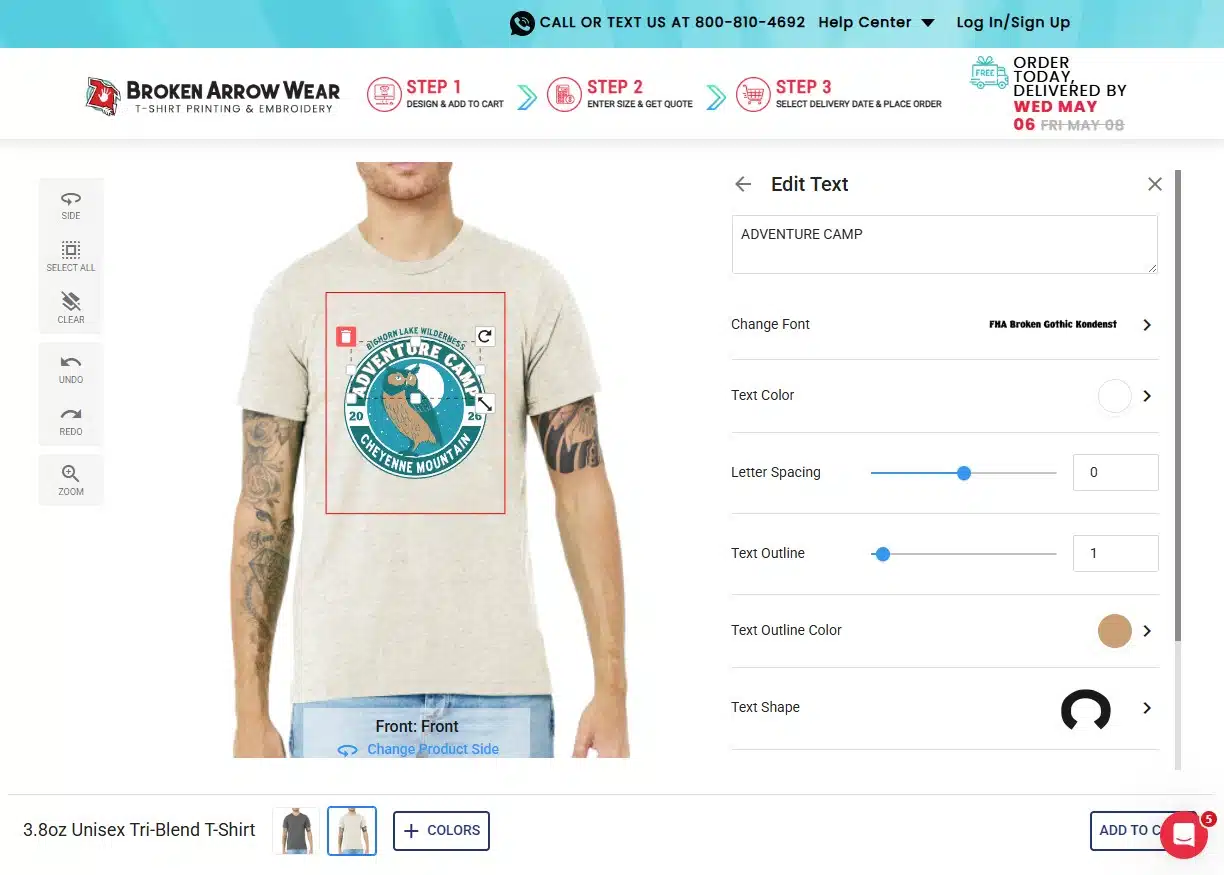
3. Customize Placement & Style
Adjust your design with:
- Front, back, and sleeve placement
- Font styles and effects
- Colors and sizing
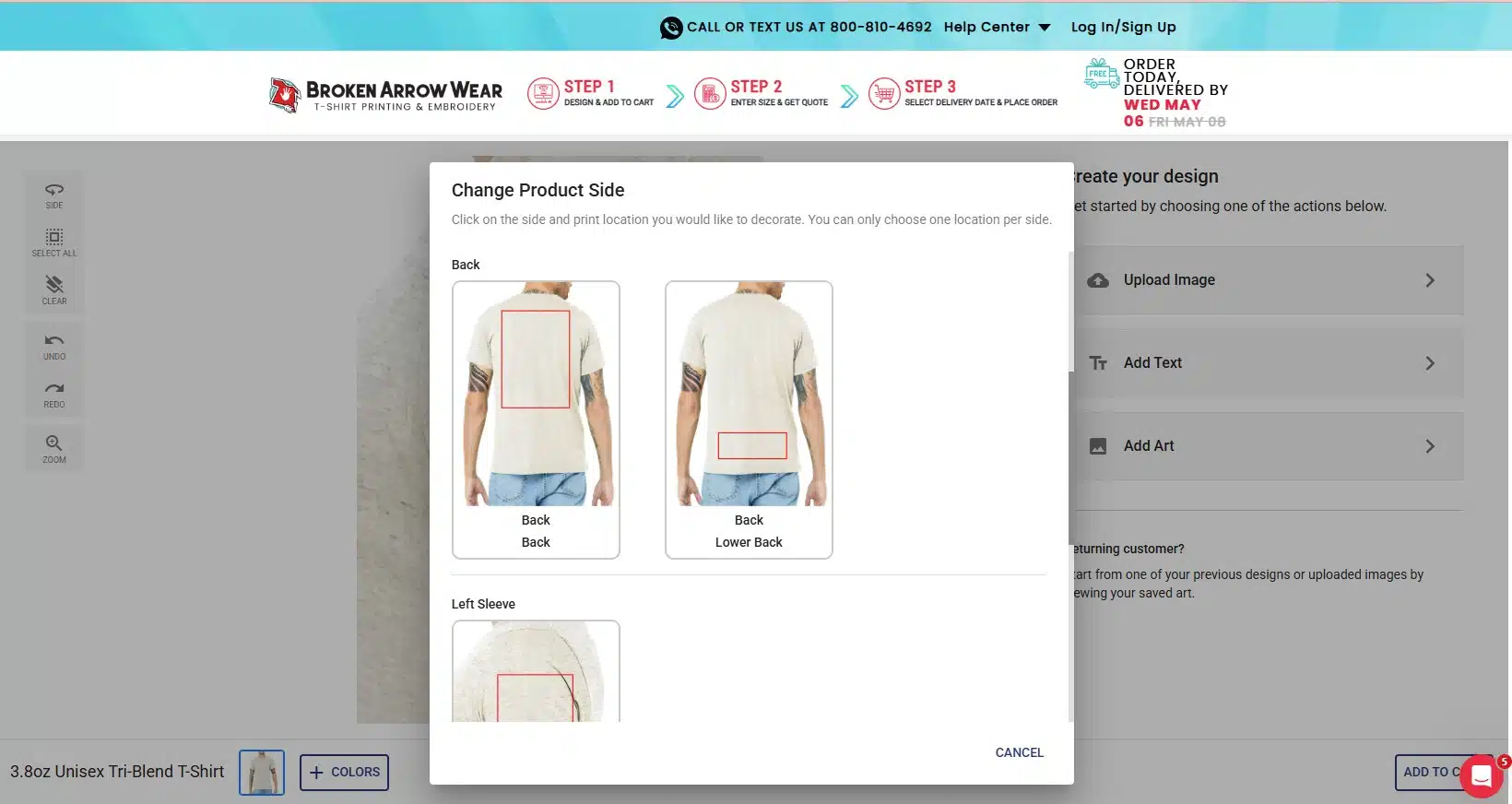
Learn more: https://www.brokenarrowwear.com/helpcenter/creatingdesignonline.html
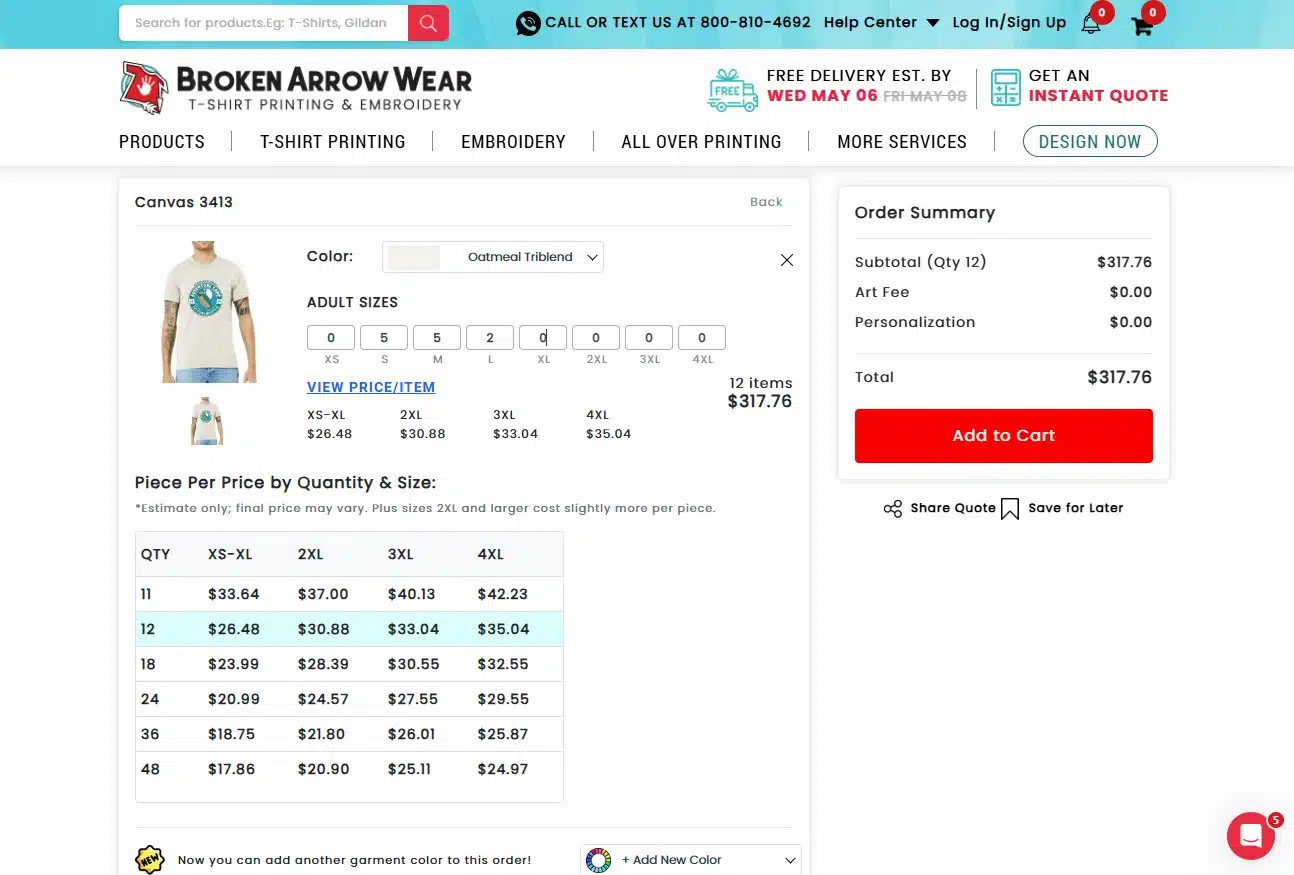
4. Save, Share, or Order
- Save your design for later
- Share it with your group
- Get instant pricing and checkout
What Can You Make?
This tool isn’t limited to just t-shirts. You can design:
- Custom business apparel
- Event shirts (family reunions, weddings, fundraisers)
- Sports team uniforms
- School spirit wear, even bags and backpacks!
- Branded merchandise
- Personalized gifts
Pro Tips for Better Shirt Designs
Want your design to look professional? Follow these:
- Keep it simple and readable
- Use high-resolution images (300 DPI recommended)
- Choose high-contrast colors
- Avoid overcrowding your design
- Add multiple print locations (back, front, and sleeve)
- Test multiple shirt colors
Why This Design Tool is Top Notch
Most people struggle with custom apparel because they can’t visualize the final product.
This tool solves that by giving you:
- Real-time previews
- Accurate print placement
- Instant feedback on your design
That means fewer surprises—and better results.
Frequently Asked Questions
Q: Is the online t-shirt design tool really free?
A: Yes. You can design, edit, and save your work at no cost. You only pay when you place an order.
Q: Is there a minimum order for custom shirts?
A: No. You can order as few as one shirt or as many as you need.
Q: Can I upload my own logo or artwork?
A: Yes. The tool allows you to upload custom designs and position them however you want.
Q: What file types work best for uploads?
A: High-resolution PNG, AI, EPS, JPG, or vector files work best for clean, sharp printing.
Q: Can I design shirts for a business or brand?
A: Absolutely. Many customers use this tool to create branded merchandise, uniforms, and promotional apparel.
Q: How long does it take to receive my order?
A: Production and shipping times vary, but most orders are completed quickly and will be in your hands in 6 business days from order placement. Check the website for current turnaround times.
Q: Can I save my design and come back later?
A: Yes. Save your design and edit or order anytime.
Q: What’s the best t-shirt color for my design?
A:
- Dark shirts → use light ink colors
- Light shirts → use dark ink colors
Contrast is key for visibility. Need design ideas? Check out this blog:
www.brokenarrowwear.com/blog/how-to-make-your-custom-t-shirts-stand-out-from-the-crowd/
Q: Do you offer design help if I get stuck?
A: Yes. You can contact the support team for help refining your design. Text or call us at 800-810-4692. You can also check this web page for more help:
www.brokenarrowwear.com/helpcenter/creatingdesignonline.html



Average Rating